We've nailed cross-session persistence for AI coding tools. Now we're evolving ContextStream into an unmatched platform for context engineering.
The new v0.2 desktop app shows exactly why.
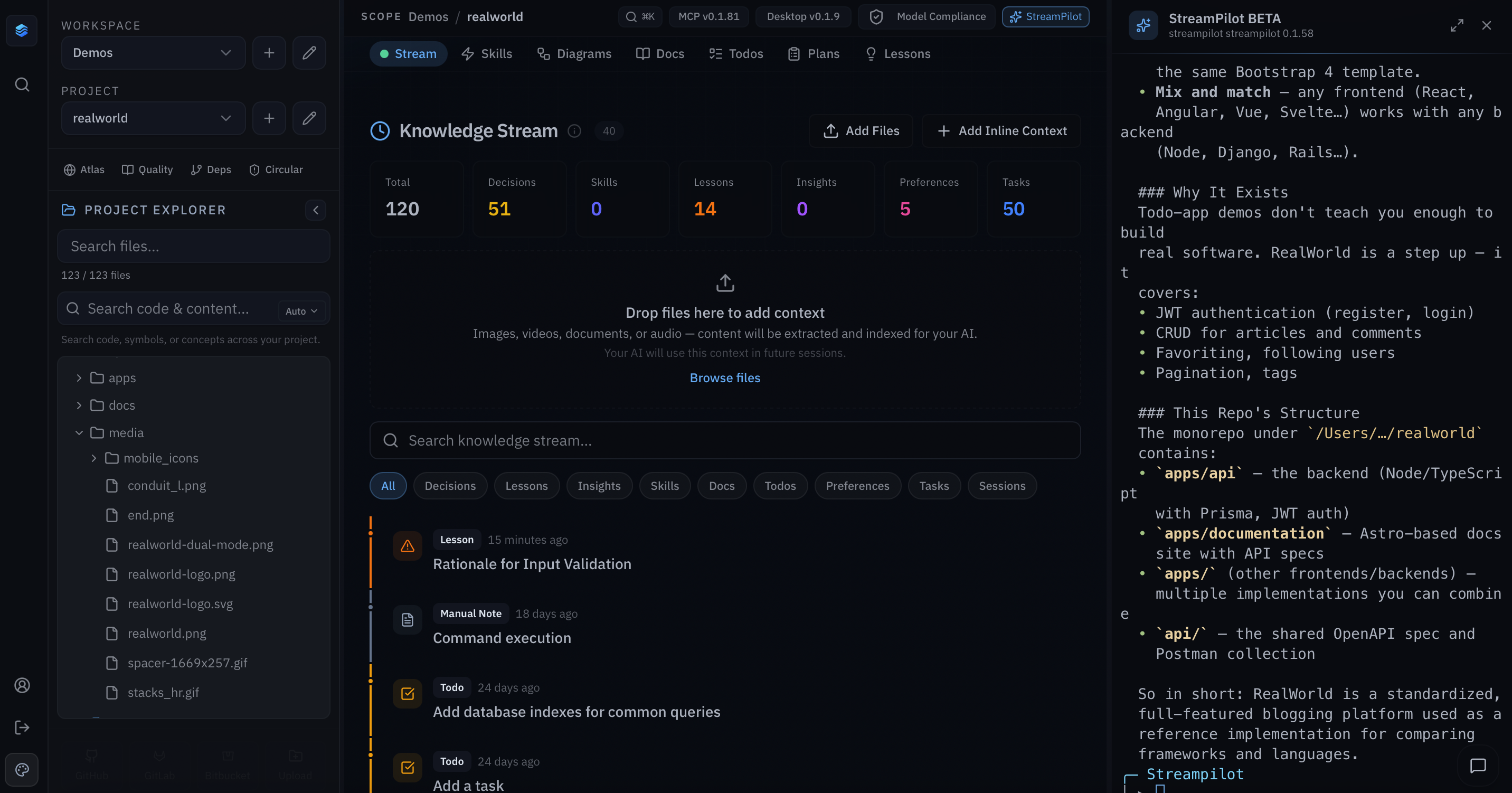
It gives you a fast, native control center right in your local dev environment:
ContextStream Code CLI (beta): built-in context-aware AI terminal that deeply understands your workspace and codebase. Get seamless help in a side panel or fullscreen.
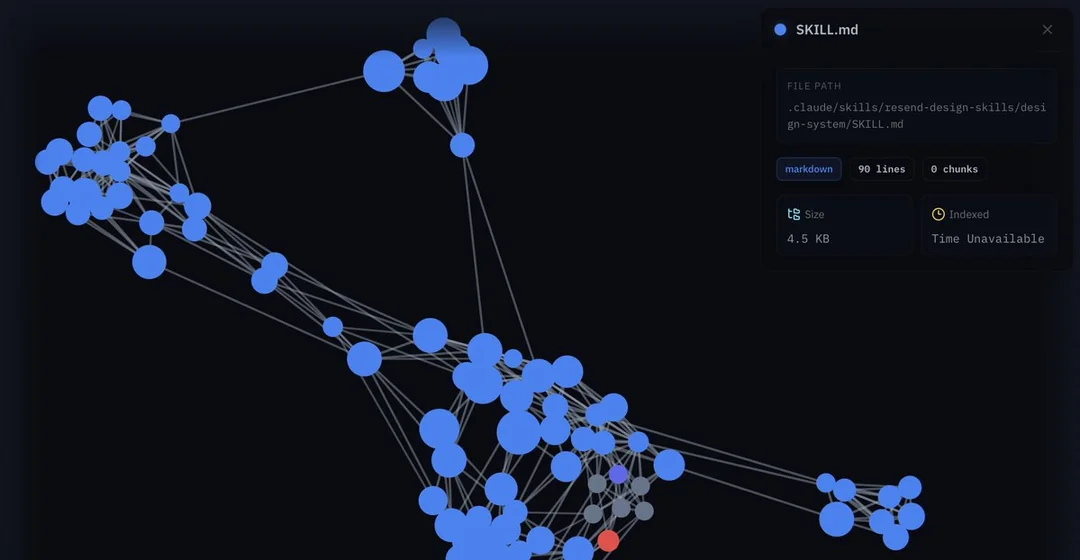
Semantic Atlas: interactive graph of your entire codebase. See files as color-coded nodes with edges showing semantic connections. Zoom, pan, and toggle 2D/3D to grasp how everything fits together at a glance.
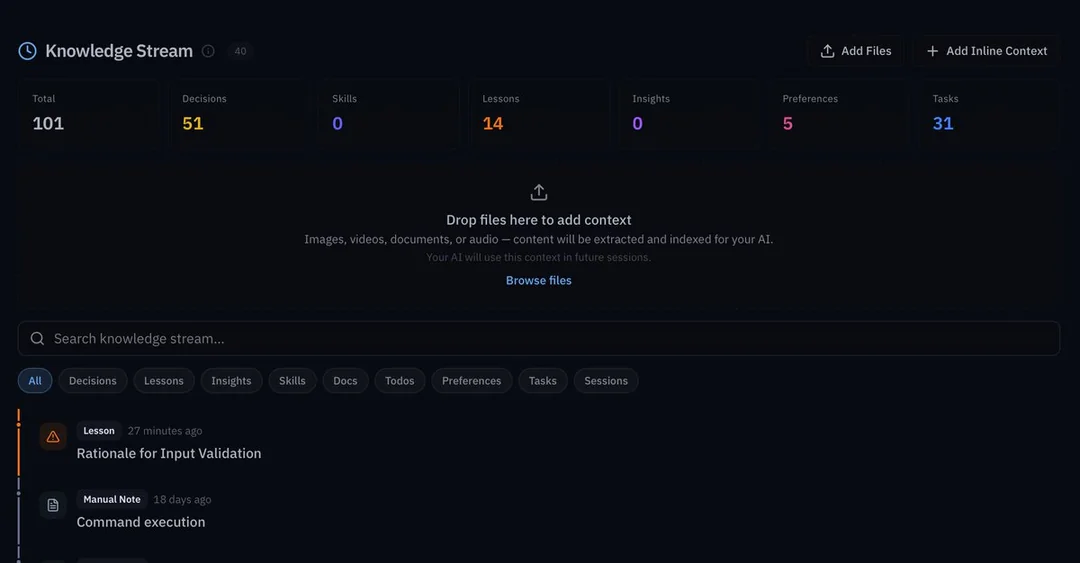
Knowledge Stream: permanent memory timeline. Every decision and lesson stays saved across sessions. Upload images, videos, docs, or audio. They’re auto-extracted and indexed so your AI can reliably reference them later.
Full editors for Docs, Skills, Plans and Lessons: clean split-panel layouts with inline editing, search and filters. Makes it easy to curate and refine the context you feed your agents.
Semantic code search built into the project explorer: find code by meaning, not just keywords. Surface exactly what you need fast.
Real-time file explorer: updates live as files change on disk. Always accurate navigation and visibility into your current project.
Smart caching, full pagination across views, easy MCP server management, and 10+ themes (Harbor Dark default). Smooth, responsive experience with nothing getting in your way.
No more broken context after edits or deletes. Just AI agents that stay perfectly grounded in your real, evolving project.
This is context engineering done right.